

Updated player guide for 2026
EE777 App: Download, Set Up and Explore the Games
EE777 brings quick games, live tables and account tools into one Android app. This guide explains the practical parts first: where to get the installer, what to check before opening it, how deposits and withdrawals are handled, and which settings are worth reviewing before you play.
Android APK · Use the verified EE777 link · Intended for adults aged 18+
EE777 Download Guide for New Players
Getting started should not feel like a guessing game. Use the EE777 link on this page, download the APK directly to your phone, and check that the file has finished before tapping it. Android may ask for permission to install an app from your browser or file manager. Grant that permission only for the current installation, then switch it off again when the app is ready.
After launch, take a minute to look through the lobby rather than rushing into the first game. The balance, promotion area, account history and support shortcut should all be easy to find. A brief tour now makes it much simpler to check a transaction or change a limit later.
What Is the EE777 App?
EE777 is an entertainment platform that groups several game formats under one account. Depending on availability, the lobby may include casual colour or number games, card tables, live-dealer rooms, crash-style rounds and fish-shooting titles. The catalogue can change, so the app itself is the best place to confirm what is currently offered.
The service is designed mainly for mobile use. Menus are kept short, rounds load quickly on a steady connection, and the wallet records deposits, bonuses and withdrawal requests in one place. Results still depend on the rules and chance involved in each game; no app can promise a profit.
How to Install EE777 on Android
- Open the verified download button on this page.
- Save the APK and wait until the browser confirms that it is complete.
- In Android settings, allow installation from the browser or file manager you used.
- Open the file, review the permissions shown on screen and select Install.
- Launch EE777, complete registration, and return to settings to remove the temporary install permission.
If Android blocks the file, do not keep downloading random copies from search results. Check available storage, confirm that the phone meets the current requirements, and retry from the same EE777 link. An interrupted download is a more common cause than a problem with the handset.
Registration and Account Checks
The sign-up form normally asks for a working mobile number, a password and, when applicable, an invitation code. Enter details you can verify. A false number can leave you unable to recover the account or confirm a withdrawal. Use a password that you do not share with messaging, email or banking apps.
Once the account opens, review the profile name and payment information before adding funds. Small spelling differences can delay checks. Never send a password, one-time code or screen-sharing access to someone claiming that it is needed for support.
EE777 Withdrawals: A Practical Walkthrough
Open the wallet, choose the withdrawal option and select an available payment method. Enter the amount carefully, check the account details and read any turnover or verification requirement attached to a bonus. Submit once and keep the transaction reference. Repeated requests may slow down review instead of speeding it up.
Processing time can vary by payment channel, identity checks and network conditions. If a request remains pending, compare it with the stated processing window before contacting support. Screenshots of the amount, time and reference number are more useful than sending several short messages.
Features Worth Knowing
- Compact mobile lobby: categories and recent games are reachable without long menus.
- Account history: players can review wallet activity instead of relying on memory.
- Multiple game styles: quick rounds and longer table sessions suit different schedules.
- Promotions area: terms can be checked before a bonus is accepted.
- Support access: account questions can be raised from the same device used to play.
- Regular app updates: newer builds may improve compatibility and stability.
A Look Inside the Mobile App
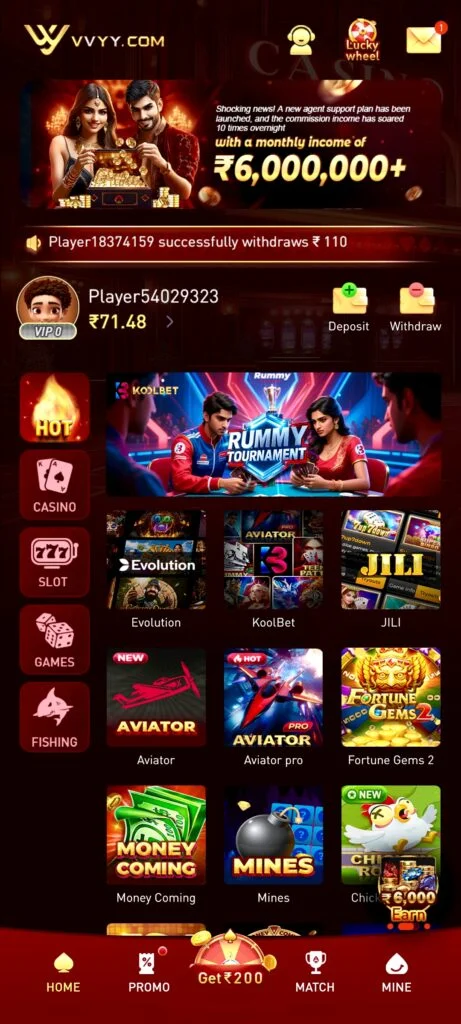
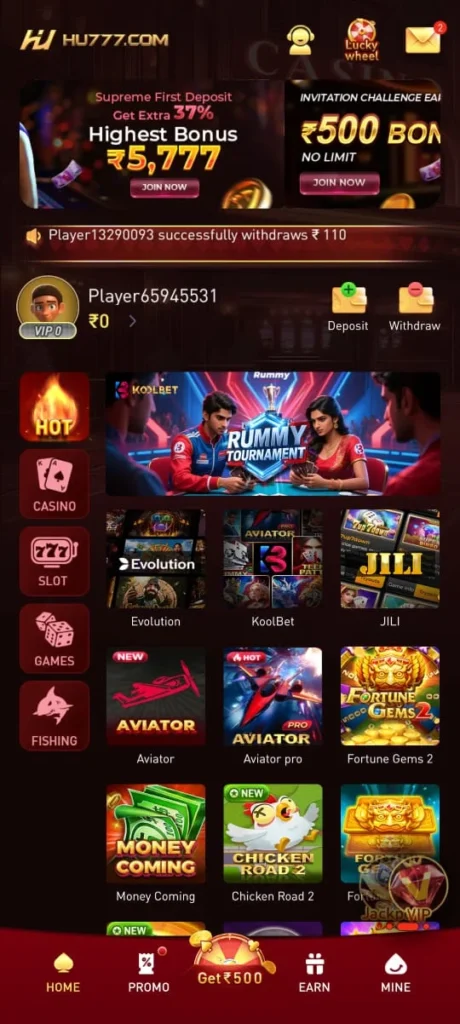
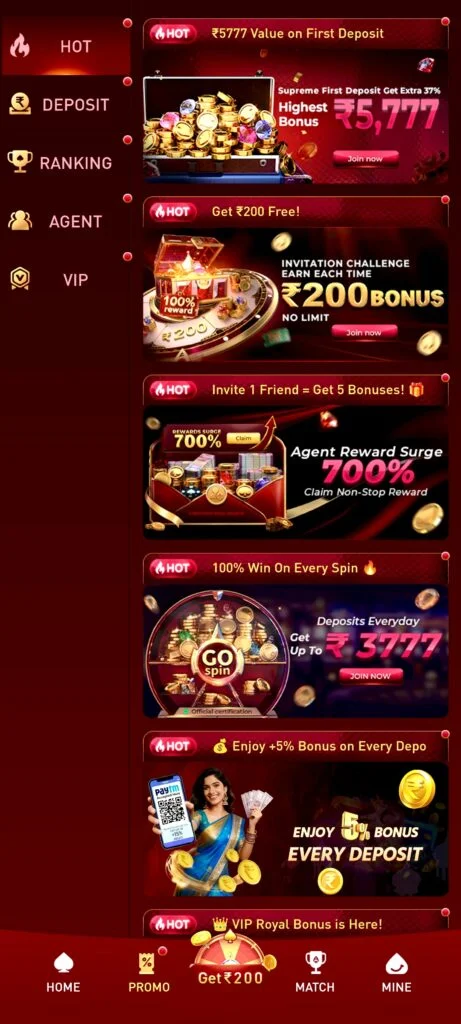
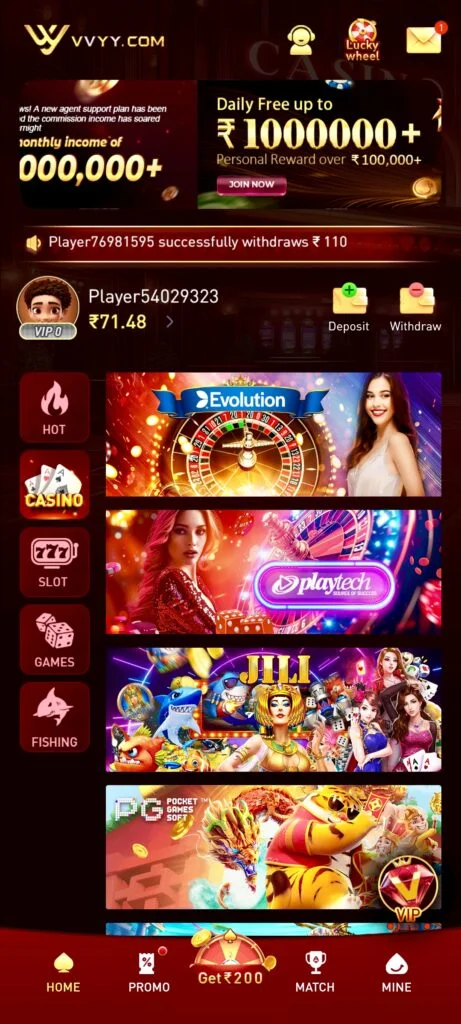
The original interface screenshots are kept below so visitors can see the lobby layout, game categories and mobile controls before installing the app.
Play With a Limit, Not a Target
Set a spending cap before the first round and treat it as the cost of entertainment. Chasing a loss, doubling a stake after a bad result or borrowing to continue usually turns a short session into a stressful one. Time limits matter too: a reminder every 30 or 45 minutes makes it easier to step away and review what you have spent.
 EE777 is for adults only. Local rules differ, and it is the player’s responsibility to check whether real-money gaming is permitted where they live. If playing stops being enjoyable or starts affecting bills, work or relationships, pause the account and seek independent support.
EE777 Questions Players Often Ask
Can I install EE777 from a regular app store?
The Android version may be distributed as an APK. Use the verified EE777 button here rather than an unknown mirror, and review the permissions before installation.
Does every player receive the same promotion?
No. Offers can depend on account status, date and region. Read the current rules, wagering conditions and expiry time inside the app before opting in.
Are winnings guaranteed?
No. Game outcomes involve chance, and some formats also involve player decisions. A guide can explain rules and risk, but it cannot guarantee a return.
Who should not use the app?
Anyone under 18, anyone in a location where the service is not permitted, and anyone who cannot comfortably afford the amount at risk should not play.