

EE777 APK Download and Installation Guide
The EE777 Android app is installed from an APK file. That is a little different from tapping Install in a regular app store, but the process is straightforward when the file comes from a known page. This walkthrough covers the full route from download to first login, along with sensible checks for permissions and updates.
Android APK · Use the verified EE777 link · Intended for adults aged 18+
Check Your Phone Before Downloading
Use a supported Android phone with a reliable internet connection, enough free storage for the installer and room for later app data. Close unfinished downloads and confirm that the battery will last through installation. An up-to-date browser and Android security patch can prevent many avoidable errors.
The exact app size and Android requirement can change between releases. Read the information shown on the EE777 download screen instead of relying on an old screenshot. If the phone belongs to an employer or school, installation from outside the app store may be blocked by its administrator.
How to Download EE777 on Android
- Tap the EE777 download button above and allow the browser to save the APK.
- Wait for the progress indicator to finish; a partial file will not install correctly.
- Open Downloads in the browser or the phone’s file manager.
- Tap the EE777 APK. If prompted, allow installs from that specific app.
- Review the permissions and select Install.
- Open EE777, register or log in, then remove the temporary install permission.
Android menu names differ by manufacturer. The permission may appear under Security, Privacy, Special app access or Install unknown apps. Grant access to the browser or file manager only—not to every app on the phone.
First-Launch Checklist
When EE777 opens, confirm that the logo and account screen look complete and that no second installer is requested. Check the app version, notification choices and support section. If you already have an account, sign in with the registered mobile number rather than creating a duplicate profile.
Before adding funds, review the wallet methods and promotion rules. A headline bonus may have a minimum deposit, wagering condition, game restriction or expiry date. Save a copy of the terms that apply at the time you opt in.
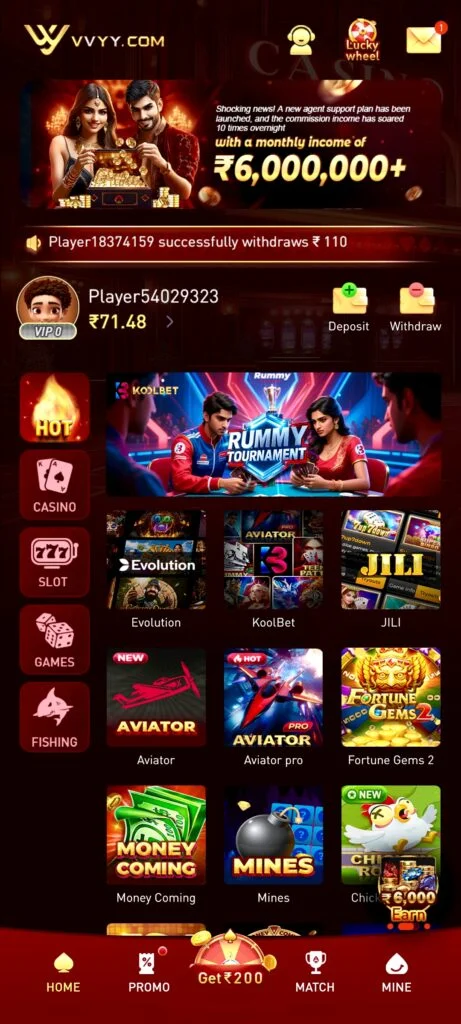
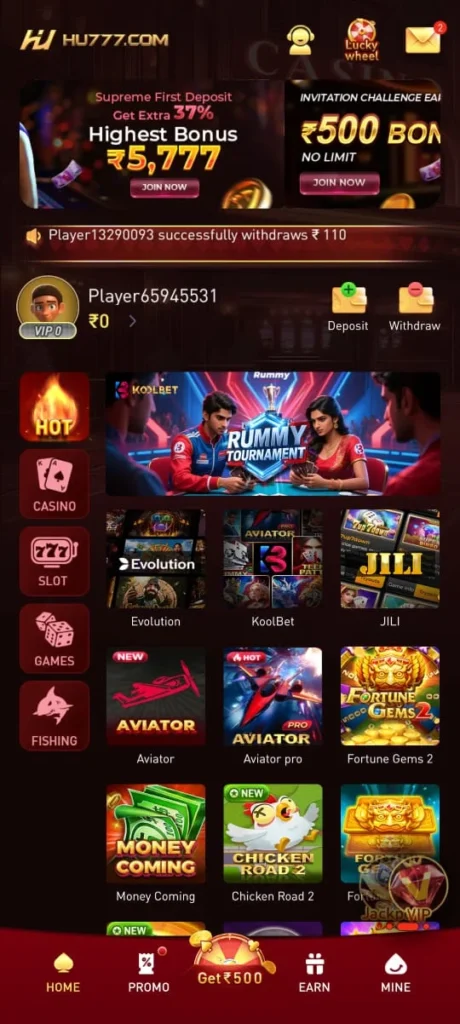
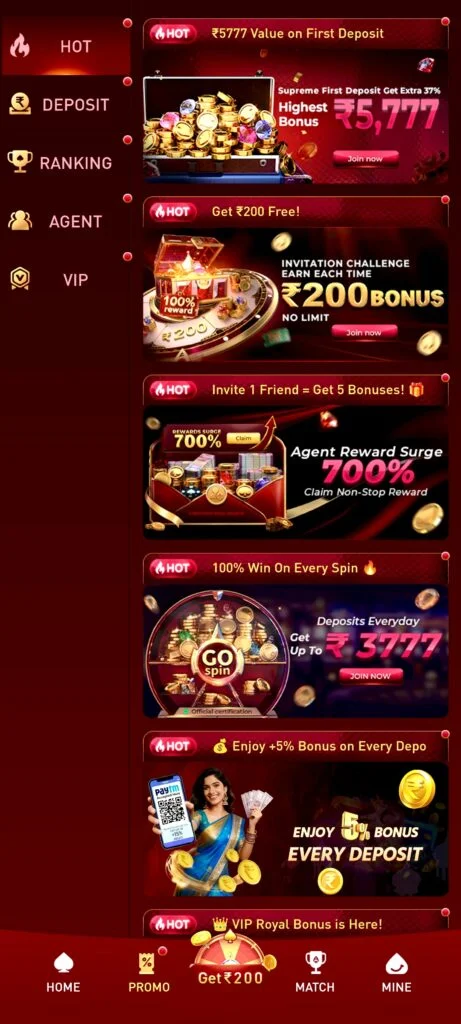
EE777 App Screenshots

Installation Safety Tips
- Use the EE777 link on this page and avoid modified packages from file-sharing groups.
- Never install an app that asks for device-administrator control without a clear reason.
- Keep Play Protect or your usual mobile security tools enabled.
- Do not share passwords, one-time codes or remote-control access with “support agents.”
- Use a screen lock and remove stored payment methods before lending the phone.
- Delete incomplete duplicate APK files after a successful installation.
Fixing Common EE777 Download Problems
The APK Will Not Open
Confirm that the download finished and that the file name ends in .apk. Remove only the incomplete copy, clear enough storage and download it again from the same EE777 page. Do not rename another file to make it look like an APK.
Android Says “App Not Installed”
A previous build, insufficient space or an incompatible Android version can cause this message. Check the current requirements and update the existing EE777 app if one is already present. Preserve your account details before removing an older build.
The App Opens but Does Not Load
Switch between mobile data and Wi-Fi, check that automatic date and time are enabled, then restart the app. A temporary service issue may also be responsible. Avoid submitting the same payment more than once while a screen is slow.
Login Details Are Not Accepted
Use the mobile number registered with the account, including the correct country code. If the password is forgotten, follow the official recovery flow. Several guesses can trigger a temporary security lock.
Keeping EE777 Updated
Updates may include compatibility changes, refreshed games and security fixes. Follow in-app notices or return to this download page when a new build is required. Installing over the existing version will usually keep local settings, but the account itself should always be recoverable through a verified number and password.
Responsible Use
Installing the app does not require you to deposit or play. Explore the menus first, decide on a firm entertainment budget and stop when that amount or your time limit is reached. EE777 is for adults aged 18 or over, and users must check the rules that apply in their location.